When AI search misses a fact from a website page, check whether the fact exists, whether the page can be collected, and whether its text reached the index. Keep the page URL and question fixed. A missing page, unreadable PDF and unsupported question need different fixes.
This checklist is for one public page or document you own or are permitted to test. It does not require private customer queries, a different AI model or a promise that every page will produce an answer.
Record one page, one fact and one question
- Save the final public URL, including any redirect destination.
- Copy the exact passage that should support the answer. If no passage states the fact, mark the question unsupported.
- Save the exact question, visible response, cited URLs and observation time.
- Record any per-page status or collection error the service exposes. If it exposes none, mark that stage unverified.
A page about a product is not automatically evidence for every claim about that product. For example, dimensions and materials do not necessarily state whether it can be used outdoors. This is a fictional example, not an Achla customer case.
Separate a missing widget from a missing source
If the search box does not appear, investigate installation first. A visible widget and a source available to search are different checks. Likewise, an installation check that passes does not prove that a particular page or PDF was indexed.
Achla AI documents widget placement and verification in its installation instructions. The installation checker inspects one fetched page without executing JavaScript; it checks the snippet, public configuration and placement, not the contents of the search index.
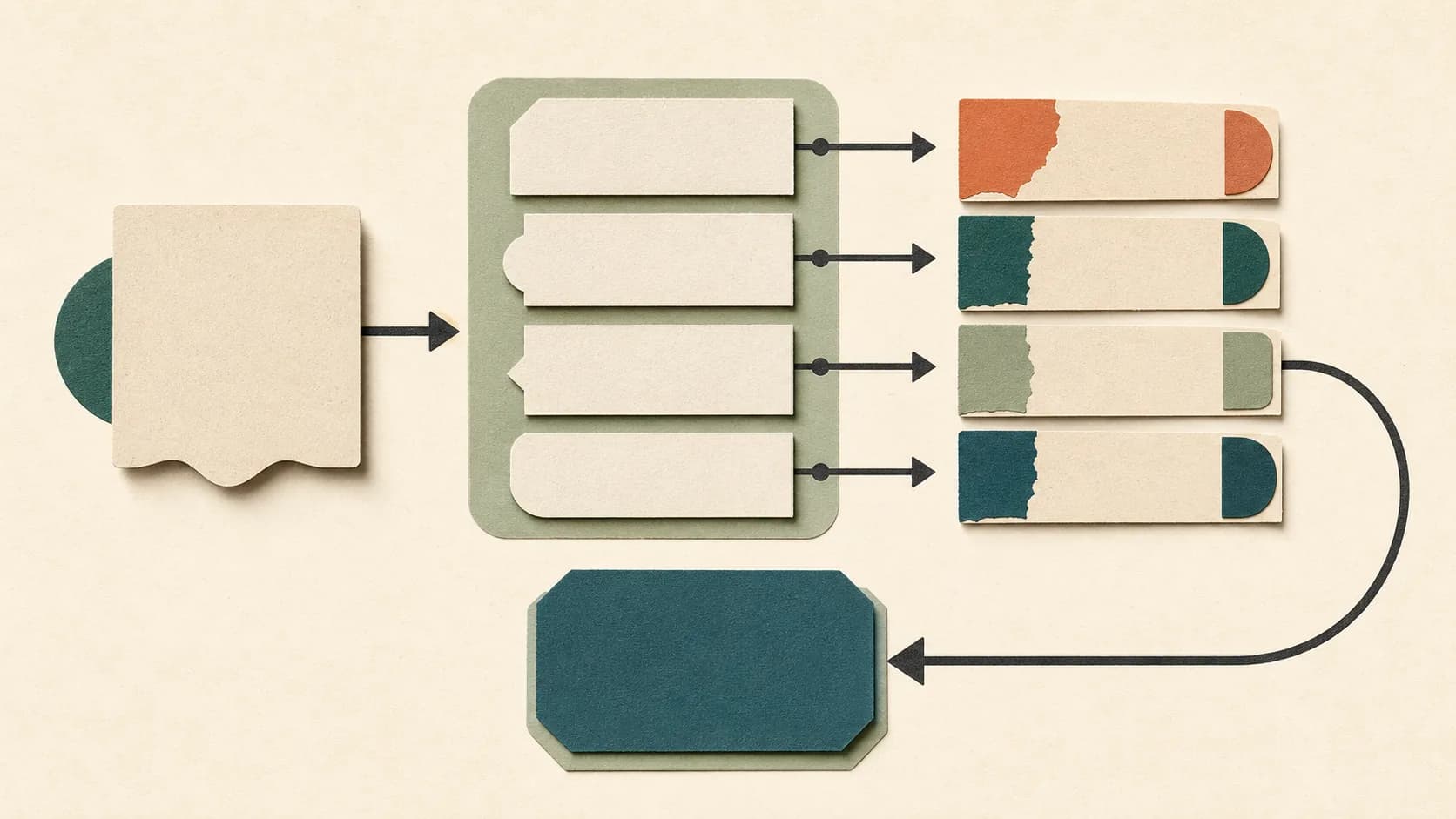
Follow this decision tree before changing anything
- Does the source explicitly state the expected fact? If not, confirm the content requirement; do not label a correct refusal an indexing failure.
- Can the final URL be opened without signing in, and is it inside the permitted collection scope? If not, resolve the access or scope issue with the owner.
- Does the page or document expose usable text? If the fact appears only after browser JavaScript runs or inside a scanned image, verify the service’s supported extraction path.
- Is this exact URL shown as successfully collected or indexed? Use the service’s actual diagnostics. A sitemap entry or completed site-wide job alone is not per-page proof.
- Does the current source differ from the available indexed version? Record the versions and follow the documented refresh process; do not infer a refresh time from one answer.
- Does the visible response cite the relevant section? If retrieval traces are available, check whether they contain it; otherwise leave the retrieval stage unverified.
Match the observation to a check and a next action
| Observed symptom | Evidence to check | What it establishes | Next action |
|---|---|---|---|
| The source opens only after login | Open the final URL without a signed-in session | A browser session may explain access; public collection is not established | Use permitted public content or a documented supported access method |
| The URL redirects elsewhere | Record the final address and its collection scope | You may be testing a different page or an excluded host | Confirm the intended URL and scope |
| The crawler may be blocked | If the service exposes crawler diagnostics, do they report a blocked or failed request? | A recorded failure identifies an access problem; no diagnostic means unknown | Ask the site administrator to review permitted crawler access and the documented error |
| The URL appears in a sitemap but no per-page result is available | Look for a collection/index record for that exact URL | Discovery is visible; successful indexing remains unverified | Request the per-page result or record that it cannot be observed |
| A PDF opens, but the answer misses its passage | Check for selectable text and the supported extraction result, if available | The document’s file extension alone does not prove text extraction or OCR | Verify support for this file; publish an accessible text version if appropriate |
| The source is indexed, but an older fact is observed | Compare live text, available source version and recorded times | The visible fact is old; the stage responsible may still be unknown | Follow the documented refresh path and preserve each retest |
| The answer links to a general or unrelated page | Open the visible citation and locate the supporting passage | Citation presence is visible; support for the fact is not established | Record the citation mismatch separately from access and indexing |
For a PDF, test the document rather than the extension
Open the exact PDF and locate the required passage. Check whether the words can be selected or searched. That is a useful initial inspection, not proof that a particular service has extracted them.
- A scanned page can require OCR; do not infer OCR support from a general “PDF supported” statement.
- A chart, table or diagram may contain a condition that plain extracted text omits. Inspect the actual required fact.
- If the service exposes extracted text, compare the passage directly. Otherwise record extraction as unverified and use the documented support path.
An accessible HTML version can make important information easier to inspect. Keep it consistent with the original document so the search collection does not contain two conflicting versions.
Retest one correction and keep every outcome
After an authorised correction, repeat the same question against the same intended source. Save every response, citation and observation time, including failures and variation. Record the single change you made and any refresh action.
A different answer alone does not establish what caused the difference. If the page, question and configuration all changed, the test cannot isolate the correction. Do not turn an observed retest into an instant-refresh or accuracy guarantee.
Keep answer-support checks separate
Once the source path is understood, check whether the cited passage supports the answer’s material claim. A fluent answer or a visible source link is not sufficient. Use the existing grounded-answer evidence sheet for that separate evaluation.
Use the documented setup and indexing checks
Start with the supported installation instructions for your integration, then test one concrete source and question. The current installation documentation is in English.
For Achla-specific page limits, robots/firewall access and JavaScript-only content, see “Search does not know a page” in the English troubleshooting documentation. Keep the reason unknown when the necessary diagnostic is not exposed.
For the broader content-ingestion process, read how to train a chatbot on website content. Use this page’s decision tree when the question concerns one missing page or PDF.